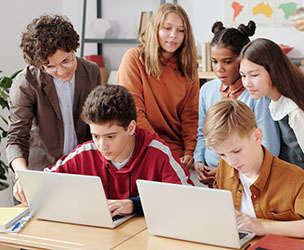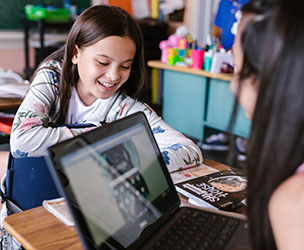
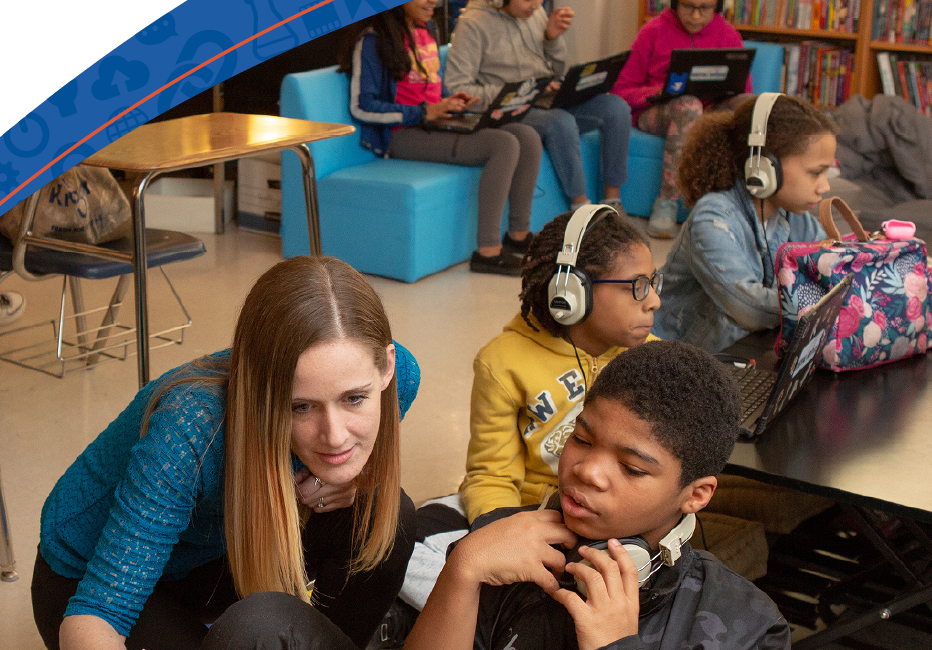



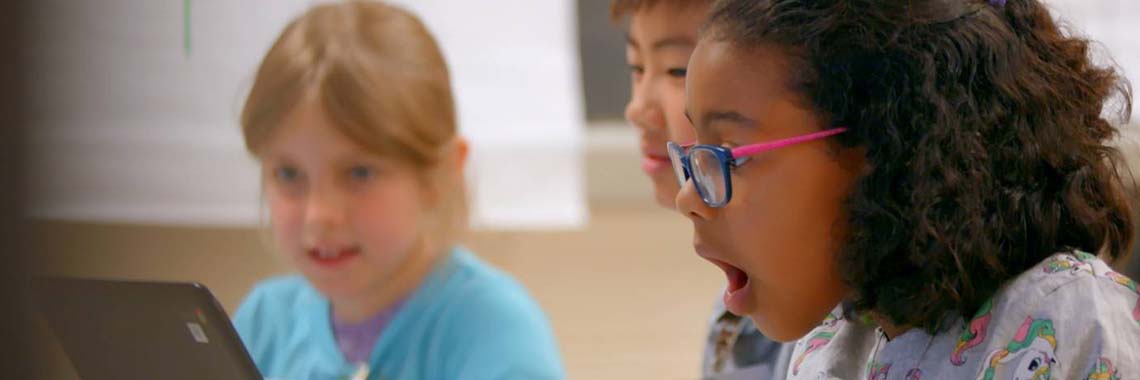

In 1994, a group of graduate education students from Pennsylvania State University (PSU) designed an e-mail literature project to link their seven classrooms spanning elementary, middle, high school, and university education. For this project, each class read a children's book with a similar theme (prejudice and conflict), and in small groups, corresponded with another class by e-mail "in character." For example, one class reading The Outsiders assumed the persona of "Ponyboy" and sent five e-mail messages (to another class' main character) about his experiences as a "greaser." The first letter was an introductory letter; the others covered Ponyboy's experiences up to a point in the reading schedule.
Kim McCollum-Clark, a faculty member at PSU who helped design the first keypal (computer pen pal) project, believes the project fosters a different kind of reading because students talk about literature with someone other than their classroom teacher. "They read and reread chapters fiercely to defend their interpretations of the book, its events, and its characters," she said. When the six-week project was over, students asked if they could read other books this way.
Clark said students participating in the project used more advanced skills and enhanced their cooperative group skills by reaching consensus about what to say and how to say it while composing their e-mail messages. Undergraduates who participated in the project gained a practical understanding of the reading interests and comprehension skills of elementary, middle, and high school students.
For teachers, technology was the biggest hurdle; most had limited knowledge of e-mail before taking on the project. "[Learning the technology] was also one of the biggest benefits," Clark said. "After the project, two teachers went on to include technology at a greater rate in their classrooms." Three teachers repeated the project, and one teacher who didn't even use a word processor before the e-mail project is now bringing her class online to World Classroom and many other Internet and WWW resources.
Before the project started, one PSU faculty member visited each school to ensure that their telecommunications equipment was reliable, and other participating teachers met weekly to discuss the project and make changes.
"This project grew out of our contexts, our classrooms, and what we were learning to do as fledgling techno-teachers," said Clark. "We learned so much about what kids will say and write about when they are given the freedom to [discuss] their reading through a medium they really enjoy." For more information, contact Clark at (717)871-2366 or e-mail: KLM9@psuvm.psu.edu
Since Hughes' classroom computer workstations were not yet connected to the Net, she accessed the Internet each night at home to print the expedition's postings and e-mail her students' messages and questions to the team.
Her students were most excited to read and respond to postings from the 12-year-old daughter of a Mayan archaeologist. Hughes' class even cast on-line ballots to help determine which Mayan sites the team would explore next. Buettner will continue his tour this year, and Hughes' class will again follow his postings, this time from their own classroom. Hughes wrote lesson plans on the topic of Mayan pottery that will be available through MayaQuest this year. For more information, e-mail Hughes at shughes@adsnet.com, e-mail mayaquest@informs.k12.mn.us, or call the MayaQuest hotline, (800)919-Maya.
Atchison's students are also participating in another AOL project, "Seasoned Stories." Students correspond with other students across the country and then interview a senior citizen about a memory related to a particular season of the year. Students' stories are then published online and later in hardbound form.
Atchison Middle School is also producing videos that highlight the school's on-line activities and community partnerships to run on the local cable TV station. Several ongoing community projects help students build on their computer skills. Once a week, senior citizens from the nursing home across the street visit the school for computer training. Students have been showing them how to access and browse the Internet, scan photos and graphics, and use software. "We're hoping to bridge the connection between the community and the classroom, inform parents as to what really goes on in the classroom, and demonstrate to other districts the difference technology and distance learning can make in our schools," said Van Dyke. For more information, contact Van Dyke at (913)367-5363.
When it comes to technology and distance learning, many school districts assume a money:access ratio-- the most affluent districts acquiring the most technology and consequently having more opportunities to involve students in these projects. According to local education agencies implementing distance learning programs, this is not the case. For example, Baltimore City School District will be using Title I monies for the first time this year to support distance learning courses.
According to John Itzel, Curriculum Specialist for the Office of Instructional Technology, moveable, solid satellite dishes are being installed at seven Title I schools in the district in order to provide new foreign language and math courses. Distance Learning Associates, a private company which is bringing together eight satellite providers for the project, will provide 6,000 hours of programming and training for the entire staff of each school. Cost for the satellites, installation, programming, and training is about $65,000. Programming is scheduled to begin October 1. Itzel said that the cost effectiveness of offering courses via satellite is "incredible," so much so that the district is hoping to expand the satellite courses to every school in the district.
Interested in Distance Learning?
|
Source: copyright Children's Software Revue Newsletter, Ypsilanti, MI, August/September '94.
May be reprinted if proper credit is given.
Rate the categories below: A= always; SE= some extent; N= never; NA= not applicable
Ease of Use (Can a child use it with minimal help?)
____skills needed to operate the program are in developmental range of child ____children can use the program independently after first use ____accessing key instruments is straightforward ____reading ability is not a prerequisite for using the program ____graphics make sense to the intended user ____printing routines are simple ____it is easy to get in/out of any activity at any point ____getting to the first menu is quick and easy ____controls are responsive to the touch ____written materials are helpful ____program instructions can be reviewed on the screen ____children know if they make a mistake ____icons are large and easy to select with a moving cursor ____installation procedure is straightforward and easy to do Childproof (Is it designed with "child-reality" in mind?)
____survives the "pound on the keyboard" test ____offers quick, clear, obvious response to a child's action ____child has control over rate of display ____child has control over exiting at any time ____child has control over order of display ____screen sequence is brief or can be bypassed ____when a child holds a key down, only one input is sent to the computer ____files not intended for children are safe ____children understand feedback ____program would operate smoothly and bug-free in a classroom setting Educational (What can a child learn from this program?)
____program offers a good presentation of one or more content areas ____graphics do not detract from the program's educational intentions ____feedback employs meaningful graphic and sound capabilities ____speech is used ____presentation is novel with each use ____offers a nice challenge range (program will grow with child) ____feedback reinforces content (embedded reinforcements are used) ____program elements match direct experiences ____content is free from gender bias ____content is free from ethnic bias ____child's ideas can be incorporated into the program ____program comes with strategies to extend the learning ____there is a sufficient amount of content Entertaining (Is this program fun to use?)
____program is enjoyable to use ____graphics are meaningful and enjoyed by children ____program is appealing to a wide audience ____children return to this program time after time ____random generation techniques are employed in the design ____speech and sounds are meaningful to children ____challenge level is fluid, or a child can select difficulty levels ____program is responsive to a child's actions ____theme of program is meaningful to children Design Features (How "smart" is this program?)
____program has speech capacity ____program has printing capacity ____keeps records of child's work ____branches automatically: challenge level is fluid ____child's ideas can be incorporated into the program design in some way ____sound can be toggled or adjusted ____feedback is customized in some way to the individual child ____program keeps a history of child's use over a period of time ____teacher/parent options are easy to find/use Value (What does it cost and how much is it worth?)
Based on the average of ratings above and the average price of software ($44), rate this program's value. Consider any hardware attachments required to get full potential of the programming, e.g., sound card, CD-ROM. Poor Good 1 2 3 4 5 6 7 8 9 10
Did You Know...
The Internet, a system that links on-line networks worldwide, was first established in 1969 as ARPANET, the U.S. Department of Defense network that enabled researchers to share information and resources. In the 1970s and 80s, several decentralized on-line networks were created by businesses and educators before the National Science Foundation (NSF) created its own network in 1986 called the Internet or NSFNET to link researchers nationwide to five supercomputer centers. Since that time, new technologies have brought educators and students onto the network. The NSF lifted restrictions against commercial use of the Internet, and many state and regional networks are offering educators low-cost or free access to the Net, enabling students to collaborate with peers worldwide, access scientific expertise and other electronic information, and publish projects online. According to Arrington Research Group's "21st Century Schools" report, K-12 Net sites are expected to number 92,616 by year-end 2005. Region B/2 initiatives to connect schools to the Net are discussed below.
Central administration's MIS division is currently leading efforts to help the District's public school administrators realize the potential for Internet use in schools. The LEA operates a Microcomputer Users' Service Center whose staff help schools clarify technology needs, assess current equipment, and make recommendations for equipment upgrades and/or purchases. The center also offers workshops to train principals and teachers in the use of on-line resources.
"We have tried to model the center's services after exemplary things we see industry doing," said Joseph Renard, Center Director. In the last six months, more than 600 educators have benefited from the center's services. For more information, contact Renard at (202)724-8908, or Marvin Martin, Deputy Director of MIS, at (202)724-4063.
During 1994-95, high speed lines were installed in every secondary school (grades 7-12) library. Chapter 2 funds supported modems, phone line installation, and software for all elementary schools. This year, the SEA intends to extend all high speed lines to elementary schools. By the end of 1995-96, Delaware will have a T-1 line which will provide schools free Internet access through the state bulletin board system (BBS). For more information, contact Colleen Wozniak, Educational Specialist for Instructional Technology, at (302)739-4483.
In May and June, the SEA awarded $270,000 in grants to 125 elementary teachers who plan to use computer-based telecommunications in the classroom this year. John Sharon of the Office of Learning Resources (OLR) said many of these teachers are subscribing to on-line services and using National Geographic Kids Network or accessing the Internet. Currently, about 200 schools have access to the Internet, some through IDEANet, Indiana's statewide BBS. The SEA anticipates that 50 percent of Indiana's 2650 schools will be connected to the Net by Fall 1996 and up to 75 percent will have access by Fall 1997.
In mid-August, a task force comprised of SEA and selected LEA staff finalized and sent to all district superintendents a statewide policy framework for acceptable use of the Internet in schools. This framework outlines key points for districts to consider and include in their own locally-developed policies. For more information, contact Whitman at (317)463-9130, or Sharon at (317)232-0808.
In mid-September, Kentucky became the first state in the nation to have high-speed phone lines running directly into all 176 districts, providing full e-mail and Internet access, as well as access to Netscape, a Net browser. To date, 161 schools have hooked in to the district's high-speed Internet access, and an additional 500 schools are expected to do the same by June 1996.
According to Don Coffman, Associate Commissioner of Education, by the end of this year, the state will have made more than $175 million available to districts to purchase and support technology. Kentucky's Technology Trust Fund, aimed at equalizing opportunities for every classroom, has made $15-20 million available to districts annually. Districts are required to match every state dollar supporting their technology programs; Coffman said current data suggests that districts are investing $1.40 for every state dollar.
Initially, Kentucky's schools submitted technology reports to the Kentucky Department of Education that described "where the gaps were" in achieving the state's technology goals. All districts developed original technology plans, revise them annually, and present them to the state board and KDE to become eligible for full funding. Schools annually receive a prorated share of the state's technology funds based on average daily attendance. For more information, access KDE's Web site at http://www.kde.state.ky.us
According to Marilyn Roseberry, project manager for School Net initiatives, Ohio's schools have flexibility in choosing the platforms, hardware, and software appropriate to their needs. Schools that may already have necessary wiring for School Net (and would therefore not need an allocation to cover wiring/installation expenses) will receive technology credits that may be applied to additional equipment or access to a WAN.
The SEA's School Net site office has several projects in the works: a field guide, School Net in a Bag (similar to Internet in a Box) and regionally produced and distributed CD-ROMs. Over the next two years, the SEA expects to allocate roughly $10 million to educator training. Professional development groups are currently meeting to discuss strategies to help teachers effectively use School Net's multimedia tools. In addition, the SEA will sponsor conferences and teleconferences to issue "best practices" information. An $18 million Ameritech grant will support the SEA's distance education efforts. For more information, contact Roseberry at (614)728-8324.
Since that time, 50 teachers from 25 pilot schools have been trained on the Internet, and 50 others from 25 newly-selected schools will have completed training by November. Through Bell's "World School Project," teachers who have telecommunication capabilities at home can connect to the Net at reduced rates. After December of this year, the SEA will award $10,000 grants through Bell Atlantic, to ten teachers to support innovative telecommunications projects in the classroom. The SEA is also collaborating with independent service providers to offer similar telecommunications opportunities for all schools in West Virginia.
Phyllis Justice, Telecommunication Specialist, is coordinating the Bell Atlantic project and similar telecommunications initiatives at WVDE. Justice trained about 130 teachers the basics of Internet this summer during intensive three-day sessions. Training addressed Internet e-mail; browsers and search tools; netiquette (etiquette on the Net); acceptable use; and integrating Internet into the classroom. WVDE is in the process of putting together a cadre of 20-25 teachers to be state trainers. For more information, contact Justice at (304)558-7880.
[ Table of Contents ]
-###-
[ Table of Contents ]
[ Reflections on KY's Technology Initiatives ]